





















































News


 电商部
电商部  2025-12-25 16:05:59
 DDR5 RAM Buying Guide 2025 - Best Picks for Gaming, Content Creation & Budget
As DDR5 RAM becomes the new standard for modern computing, choosing the right module in 2025 can be overwhelming with the diverse options available. This comprehensive buying guide breaks down the key factors to consider, from compatibility and frequency to budget-friendly recommendations, helping you make an informed decision tailored to your needs.
First and foremost, compatibility is non-negotiable. DDR5 RAM is not physically compatible with DDR4 motherboards due to different notch positions, so you must ensure your CPU and motherboard support DDR5. For Intel users, 12th Gen Core processors and newer (Alder Lake and beyond) paired with 600/700 series motherboards (such as Z790, B760) are required. AMD users need Ryzen 7000 series or later (Zen 4 architecture) with AM5 socket motherboards like B650 or X670, as AM5 platforms natively support DDR5 and exclude DDR4 compatibility entirely .
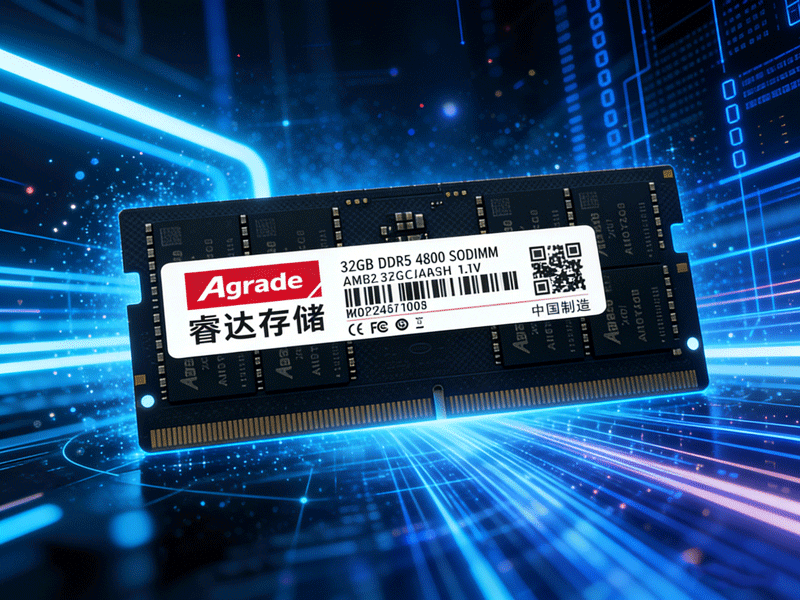
Frequency selection should balance performance and cost. The sweet spot for DDR5 in 2025 is 6000-6400MHz. Modules below 5600MHz offer limited bandwidth improvements and poor value, while those above 7200MHz demand high-end motherboards and manual voltage tuning, making them risky for average users . Gaming enthusiasts will benefit from 6000MHz+ modules, which enhance frame rate stability in 4K resolutions, while content creators working on video editing or 3D rendering should opt for 6400MHz or higher to boost workflow efficiency by up to 30% .
When it comes to budget options, domestic brands like Klevv and Gloway offer excellent value. The Gloway Tiance DDR5 6000MHz 32GB kit (CL36) costs around $70, featuring Hynix H5CG48 chips and a thick metal heatsink for stable performance, ideal for productivity users. For mid-range performance, the ADATA XPG Lancer DDR5 6800MHz 32GB kit ($110) supports ECC error correction, ensuring data security for professional tasks. High-end overclockers should consider the G.Skill Trident Z5 RGB DDR5 8000MHz 32GB kit ($190), built with Hynix A-Die chips for exceptional overclocking potential .
Additional tips: Always check the motherboard's QVL (Qualified Vendor List) to ensure memory compatibility, update the BIOS to the latest version for optimized performance, and prioritize dual-channel configurations (16GB×2) over single 32GB modules for better gaming performance. Avoid no-name brands with "overclocked" claims, as they often use recycled chips prone to failure .

-
Products
Advantages
-
Solutions
-
News
About us
-
Contact us
Tel:+86 19926658803
Whatsapp:+86 19926658803
lianle1210@163.com
Address: 30CF, Caihong Building, Caihong Road, Futian District, Shenzhen City, Guangdong Province, China



Friendly Links:
