





















































News


 电商部
电商部  2026-01-28 16:59:28
 Common Failures and Troubleshooting of Wide-temperature Memory Modules
Although wide-temperature memory modules have strong environmental adaptability and undergo rigorous high-low temperature, vibration, and electromagnetic compatibility tests, they may still fail under long-term extreme environment operation due to temperature cycling, mechanical wear, and electromagnetic erosion . In industrial scenarios, memory failures often cause equipment shutdown and production interruption, resulting in huge economic losses. Mastering common failure types and troubleshooting methods can quickly locate problems, shorten maintenance time, and ensure continuous stable operation of industrial equipment. Troubleshooting should follow the principle of "environment first, then hardware; software first, then hardware" to gradually narrow the fault range.
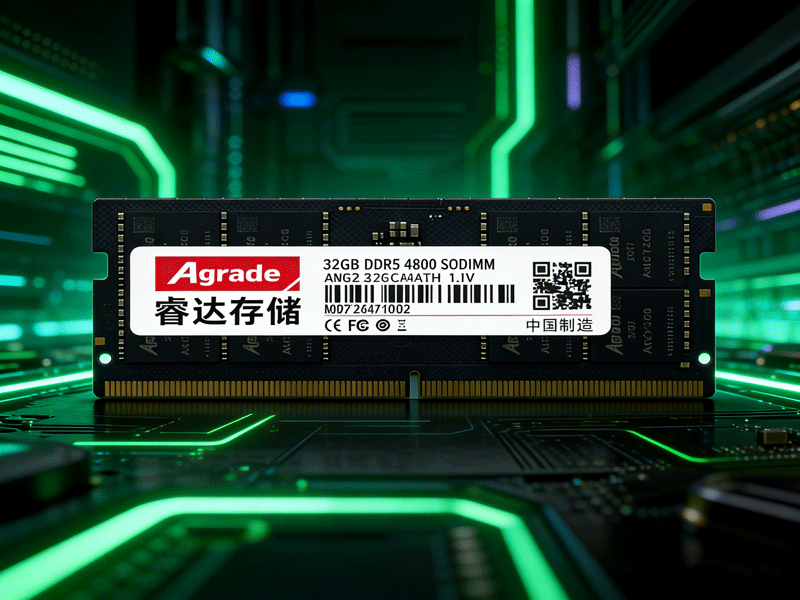
Performance attenuation caused by high temperature is the most common failure, accounting for over 60% of wide-temperature memory faults . Symptoms include reduced memory bandwidth, system lag, increased data read-write latency, and even device shutdown triggered by over-temperature protection . During troubleshooting, first check temperature data through built-in sensors or device monitoring systems to determine if it exceeds the safe range (usually 85°C) . If overheating occurs, inspect whether the cooling module is loose, dusty, or damaged, clean dust in the cooling channel, and re-fix the cooling module . Replace aging cooling modules with higher thermal conductivity ones if necessary. If temperature remains high after cleaning and replacement, optimize ventilation in the equipment installation environment, avoid dense placement, and add cooling fans or liquid cooling systems if needed .
Poor contact failures are mostly caused by vibration, corrosion, and dust accumulation, with high incidence in industrial vibration environments . Symptoms include failure to recognize memory during startup, frequent blue screens, interrupted data transmission, and temporary recovery after restart with repeated occurrences . For troubleshooting, power off first, open the device housing, and check if the memory gold fingers are oxidized or blackened, and if there is dust or foreign matter in the slot . Wipe the oxide layer on gold fingers with alcohol-soaked cotton swabs, reinsert the memory after alcohol volatilization, and test with another slot to rule out slot faults . In industrial scenarios, wide-temperature memory with reinforced buckles is recommended to reduce contact problems from vibration . Regularly clean internal dust to avoid gold finger and slot corrosion, reducing poor contact from the source.
Data error failures are related to chip aging, electromagnetic interference, and voltage fluctuation, with symptoms including data loss, verification failure, and system errors, which may cause critical control data errors and safety hazards . Check error records through ECC error correction logs: infrequent irregular errors are mostly caused by electromagnetic interference, requiring inspection of nearby strong interference sources such as inverters and motors, adding electromagnetic shields or adjusting device positions . Frequent errors concentrated in a single memory channel may indicate chip aging; use professional tools to test chip performance and replace modules with strictly screened industrial-grade chips . Meanwhile, check the power supply system to ensure stable voltage within the rated range, upgrade firmware to optimize error correction strategies, and enhance data fault tolerance .

-
Products
Advantages
-
Solutions
-
News
About us
-
Contact us
Tel:+86 19926658803
Whatsapp:+86 19926658803
lianle1210@163.com
Address: 30CF, Caihong Building, Caihong Road, Futian District, Shenzhen City, Guangdong Province, China



Friendly Links:
