





















































News


 电商部
电商部  2026-01-13 10:38:58
 What is the appropriate capacity for server memory module planning?
The planning of server memory capacity needs to balance business requirements, hardware limitations, and costs. More is not necessarily better. Blindly stacking memory can lead to idle resources and increased CPU cache pressure. Insufficient capacity can create performance bottlenecks, requiring scientific evaluation based on application scenarios and hardware parameters.
The capacity requirements vary significantly across different business scenarios: for edge computing and lightweight web services, a single server with 16-32GB can suffice; for small and medium-sized enterprise databases and virtualization platforms, an initial configuration of 64GB with expansion space reserved up to 128GB is recommended; for big data analysis and AI inference, 128-256GB is required; for AI training, high-performance computing, and large-memory databases, capacities exceeding 256GB, even up to terabytes, are necessary.
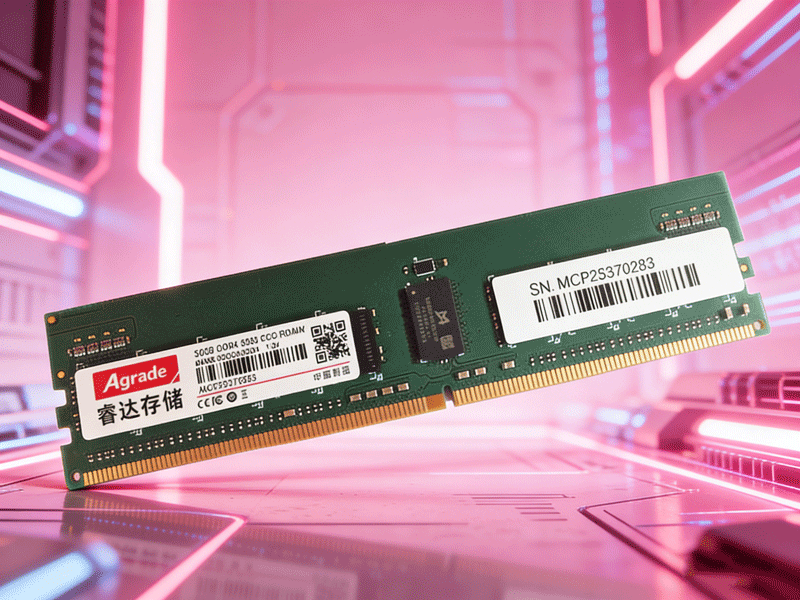
Hardware limitations are the core constraints of capacity ceilings: the number of slots on the motherboard and the capacity of each individual stick determine the total capacity. For example, a motherboard with 24 slots, each with 64GB of memory, can achieve a total capacity of up to 1.5TB; the number of CPU channels affects memory bandwidth, and the capacity needs to match the number of channels to avoid performance waste due to "high capacity but low bandwidth". In addition, operating systems also have an upper limit on memory, with 32-bit systems supporting only 4GB and 64-bit systems supporting terabytes of memory.
Planning suggestions: The initial capacity should be configured at 1.2 times the peak demand of the business, with 3-5 years of growth space reserved; for virtualization scenarios, estimate based on 2-8GB per virtual machine, combined with the number of concurrent users; regularly monitor memory usage, and if it exceeds 70% for a long time, expand capacity in a timely manner; prioritize expanding capacity by increasing the capacity of individual components, avoiding mixing different specifications of memory to ensure stability.

-
Products
Advantages
-
Solutions
-
News
About us
-
Contact us
Tel:+86 19926658803
Whatsapp:+86 19926658803
lianle1210@163.com
Address: 30CF, Caihong Building, Caihong Road, Futian District, Shenzhen City, Guangdong Province, China



Friendly Links:
