





















































News


 电商部
电商部  2026-01-15 16:59:19
 How Much RAM Do You Need? Desktop Computer Memory Module Capacity Guide
Determining the right capacity for your desktop computer memory module depends on your specific usage habits, the tasks you perform regularly, and how long you plan to keep your system. For everyday users who primarily browse the web, check email, use basic productivity applications like Microsoft Office, and stream video content, 8GB of RAM is sufficient. This capacity allows for smooth multitasking with a few open applications and browser tabs, ensuring the system doesn’t feel sluggish. However, if you frequently multitask with multiple browser tabs (20+), streaming services, messaging apps, and productivity tools simultaneously, 16GB is a better choice. This extra capacity provides headroom for background processes and ensures the system remains responsive even when under moderate load.
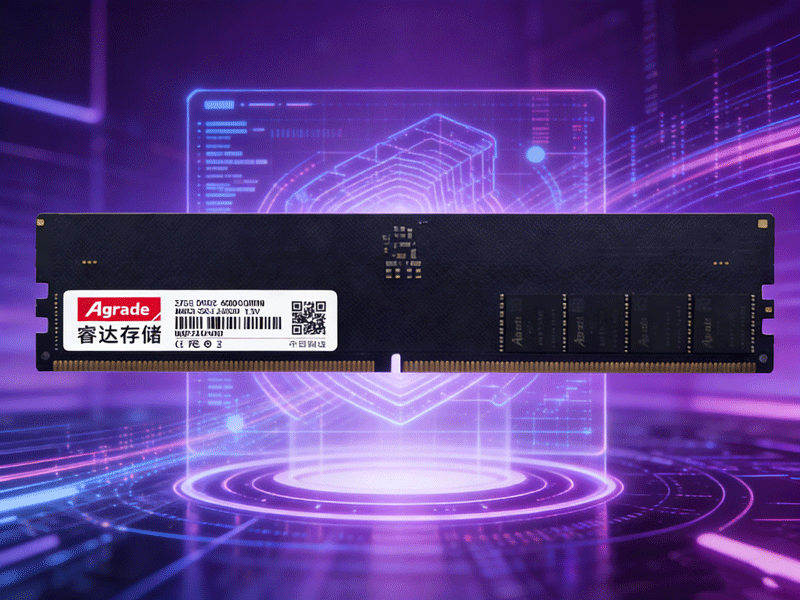
Gamers need more memory to handle the demands of modern titles, which feature increasingly detailed graphics and complex game worlds. As mentioned earlier, 16GB is the minimum for gaming in 2026, but 32GB is recommended for users who game at 4K resolution, use resource-heavy mods, or stream gameplay while gaming. Streaming software, overlays, and background apps like Discord can consume 2-4GB of RAM, so having 32GB ensures the game has ample memory to run smoothly. Content creators—including video editors, graphic designers, 3D artists, and photographers—require even more memory. Video editing software like Adobe Premiere Pro and Final Cut Pro can consume 10+GB of RAM when working with large 4K or 8K files, so 32GB or 64GB is ideal. 3D rendering software like Blender or Autodesk 3ds Max may require 64GB or more for complex projects with high polygon counts and detailed textures.
Server systems and workstations need the highest memory capacities, as they handle multiple users, virtual machines, and resource-intensive enterprise applications. These systems often require 64GB to 256GB of RAM or more, depending on the workload. For example, a server running multiple virtual machines for a small business may need 64GB, while a workstation used for AI training or scientific computing could require 128GB or 256GB. When choosing the capacity of your desktop computer memory module, it’s important to consider your current needs and future upgrades. Investing in more memory than you currently need—such as 32GB instead of 16GB for a gaming build—can future-proof your system, allowing it to handle upcoming games and applications without requiring a memory upgrade in the next 2-3 years. This approach saves money in the long run and avoids the hassle of opening the case and replacing modules repeatedly.

-
Products
Advantages
-
Solutions
-
News
About us
-
Contact us
Tel:+86 19926658803
Whatsapp:+86 19926658803
lianle1210@163.com
Address: 30CF, Caihong Building, Caihong Road, Futian District, Shenzhen City, Guangdong Province, China



Friendly Links:
