





















































News


 电商部
电商部  2026-01-15 17:00:11
 Overclocking Desktop Computer Memory Modules: Pros and Cons
Overclocking a desktop computer memory module involves increasing its clock speed and adjusting latency timings beyond the manufacturer’s default specifications to achieve higher performance. This practice is popular among gaming enthusiasts, hardware overclockers, and power users looking to maximize their system’s potential without investing in more expensive components. When done correctly, overclocking can result in faster data transfer rates, improved gaming performance (including smoother frame rates and faster load times), and quicker processing of memory-intensive tasks like video editing and 3D rendering. However, overclocking is not without risks, and it’s important to weigh the pros and cons carefully before attempting to tweak your memory settings.
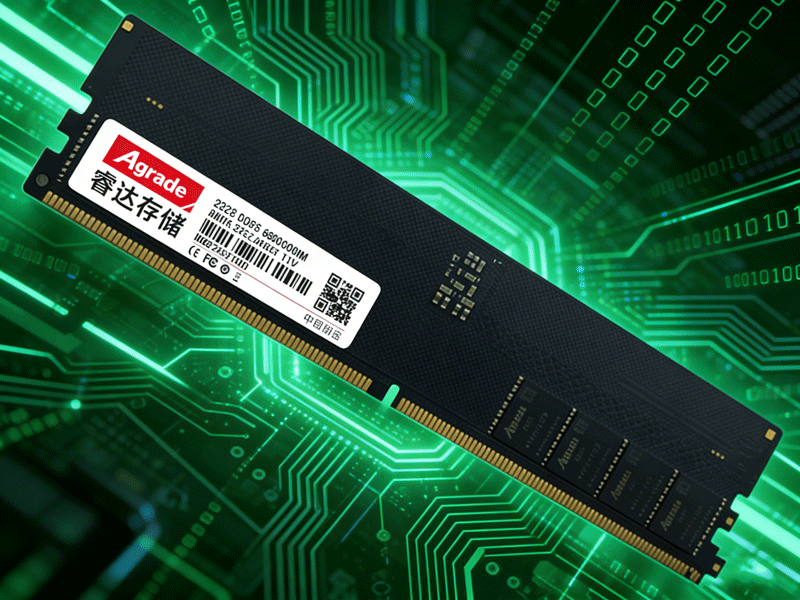
One of the main benefits of overclocking is the ability to unlock additional performance without purchasing new hardware. For example, overclocking a 3200MHz DDR4 module to 3600MHz with tightened latency timings can result in a noticeable improvement in gaming performance, particularly in titles that are memory-bound. Overclocking also allows for better multitasking, as the memory can handle more data simultaneously, reducing bottlenecks between the CPU and memory. Additionally, overclocking is a great way to learn about computer hardware, gain hands-on experience with system tuning, and customize your build to meet your specific needs. Many modern motherboards and memory modules come with built-in overclocking profiles, making the process more accessible for beginners.
However, overclocking has several drawbacks that users must consider. First, it increases power consumption and heat generation—overclocked memory modules can run 10-20% hotter than stock, which may require better case cooling or dedicated memory coolers to prevent overheating. Second, overclocking voids the manufacturer’s warranty, so any damage to the memory module (or other components) resulting from overclocking is not covered. Third, there’s a risk of system instability, which can cause crashes, data loss, blue screens of death, or even permanent damage to components if pushed too far. To minimize these risks, use reliable overclocking tools like XMP (Extreme Memory Profile) for Intel systems or EXPO (Extended Profiles for Overclocking) for AMD systems—these are pre-configured, manufacturer-tested profiles that optimize memory performance safely. Always test the overclocked memory for stability using tools like MemTest86 or Prime95 before using the system for critical tasks.

-
Products
Advantages
-
Solutions
-
News
About us
-
Contact us
Tel:+86 19926658803
Whatsapp:+86 19926658803
lianle1210@163.com
Address: 30CF, Caihong Building, Caihong Road, Futian District, Shenzhen City, Guangdong Province, China



Friendly Links:
